…
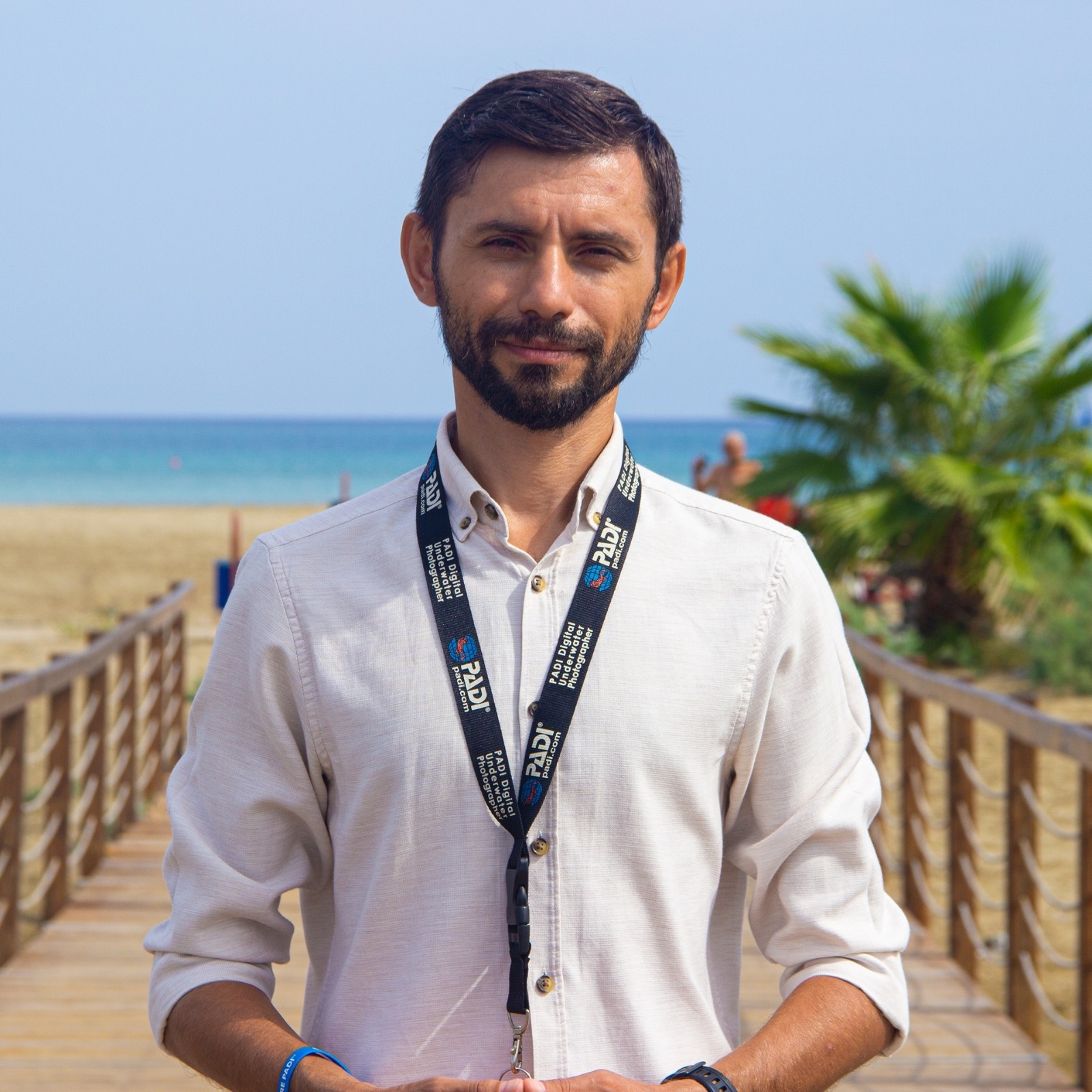
Can Bekcan
Eastern Mediterranean University
Social Media Data Mining – Class Notes
Eastern Mediterranean University Faculty of Communication and Media Studies Department of New Media and Journalism
Class Notes
Upgrade Outdated Packages
MAC
pip freeze --local | grep -v '^\-e' | cut -d = -f 1  | xargs -n1 pip install -U
pip install --upgrade pip
Windows
python.exe -m pip freeze --local | grep -v '^\-e' | cut -d = -f 1  | xargs -n1 pip install -U
python.exe -m pip install --upgrade pip
source_folder = 'C:/Users/LAB/Desktop/NMEJ205/PDFtoTXT/pdf' # PDF dosyalarının bulunduğu klasör target_folder = 'C:/Users/LAB/Desktop/NMEJ205/PDFtoTXT/txt' # TXT ve CSV dosyalarının kaydedileceği klasör
Instagram Scraper
Google Map Scraper
Google Search Result Scraper
pip install google-api-python-client
...
…
python -m venv myevn
Google Search Result Scraper
import httpx
from parsel import Selector
import time
import csv

# Headers to mimic browser-like behavior
headers = {
    "User-Agent": "Mozilla/5.0 (Windows NT 10.0; Win64; x64) AppleWebKit/537.36 (KHTML, like Gecko) Chrome/96.0.4664.110 Safari/537.36",
    "Accept": "text/html,application/xhtml+xml,application/xml;q=0.9,image/webp,image/apng,*/*;q=0.8",
}

# Prompt user for the search query
search_query = input("Enter your search query: ")
# Encode the search query for the URL
encoded_search_query = search_query.replace(' ', '+')

# Define the base URL for the search query (1)
base_url = f"https://www.google.com/search?q={encoded_search_query}&start="

# Define the base URL for the exact search query (2)
# base_url = f"https://www.google.com/search?as_q=&as_epq={encoded_search_query}&start="

# Establish a persistent session
session = httpx.Client(headers=headers)

# Number of pages to scrape
num_pages = 5

# Prompt user for the CSV filename
# csv_filename = "search.csv"
csv_filename = input("Enter the filename for the CSV (without extension): ") + ".csv"

# Open the CSV file for writing
with open(csv_filename, mode='w', newline='', encoding='utf-8') as file:
    writer = csv.writer(file)
    # Write the header row
    writer.writerow(["Title", "Link", "Snippet"])

    # Iterate through each page
    for page in range(num_pages):
        # Construct the URL for the current page by updating the 'start' parameter
        start = page * 10  # Google uses increments of 10 for the next page
        url = base_url + str(start)

        # Fetch the URL
        response = session.get(url)

        # Check if the request was successful
        if response.status_code != 200:
            print(f"Failed to retrieve page {page + 1}. Status code: {response.status_code}")
            continue

        # Parse the HTML content
        html = response.text
        selector = Selector(text=html)

        print(f"Page {page + 1}:")
        print('--------------------------')

        # Loop through each search result and extract the title, link, and snippet
        for result in selector.css('div.g'):
            # Extract title
            title = result.css('h3::text').get()
            # Extract the link
            link = result.css('a::attr(href)').get()
            # Extract the snippet text
            snippet = result.css('div.VwiC3b::text, span.aCOpRe::text').get()

            # Check if both title and link exist
            if title and link:
                title = title.strip()
                link = link
                snippet = snippet.strip() if snippet else "None"

                # Write the result to the CSV file
                writer.writerow([title, link, snippet])

                # Print the result to the console (optional)
                print(f"Title: {title}")
                print(f"Link: {link}")
                print(f"Snippet: {snippet}")
                print('--------------------------')

        # Wait for a while between requests to avoid triggering anti-scraping mechanisms
        time.sleep(2)

# Close the session after scraping
session.close()

print(f"Results for '{search_query}' have been saved to {csv_filename}")